
Getting Started
Widget Options
Inventory Display Options
Location Options
Online Availability Options
Geolocation Search
Incoming Inventory
Advanced Styling & Customization
Change the location name displayed on the product page
You can change the location name as it appears on product pages using the Location Settings in the app product page widget. This can be useful for providing consistency in your store location names when needed.
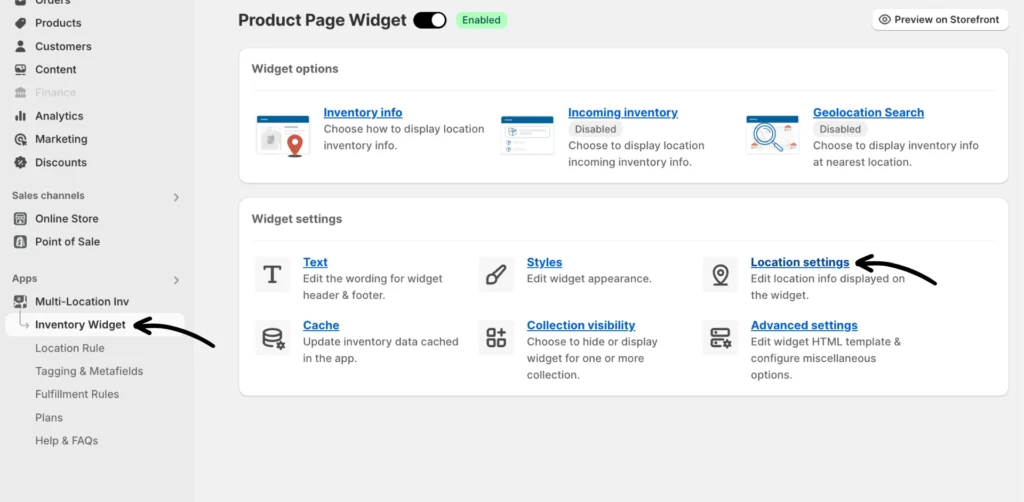
Step 1: From the app, go to Inventory Widget > Location settings.
After setting up the rules, you can now include the quantity in the threshold message. See the following section for instructions.
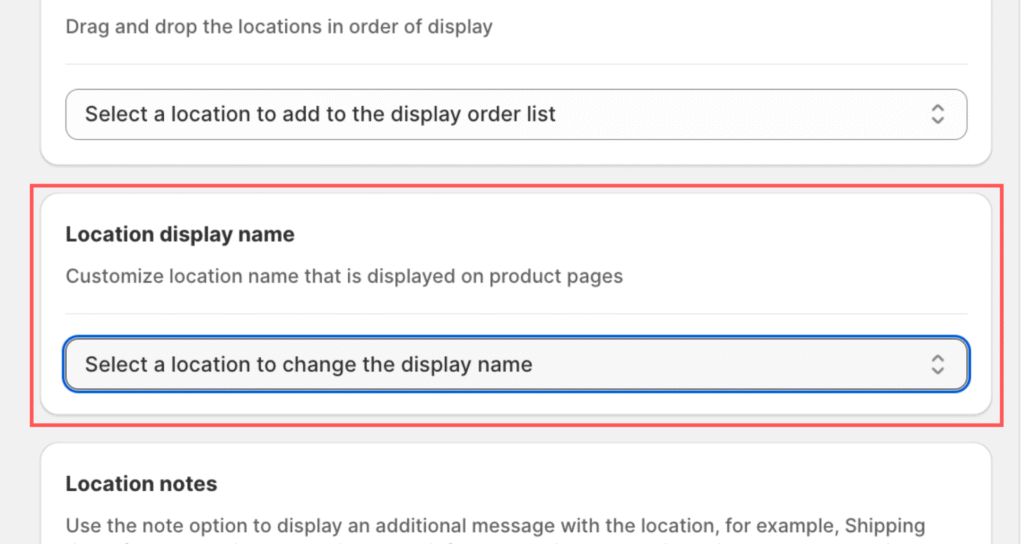
Look for the “Location display name” setting under the Location settings.
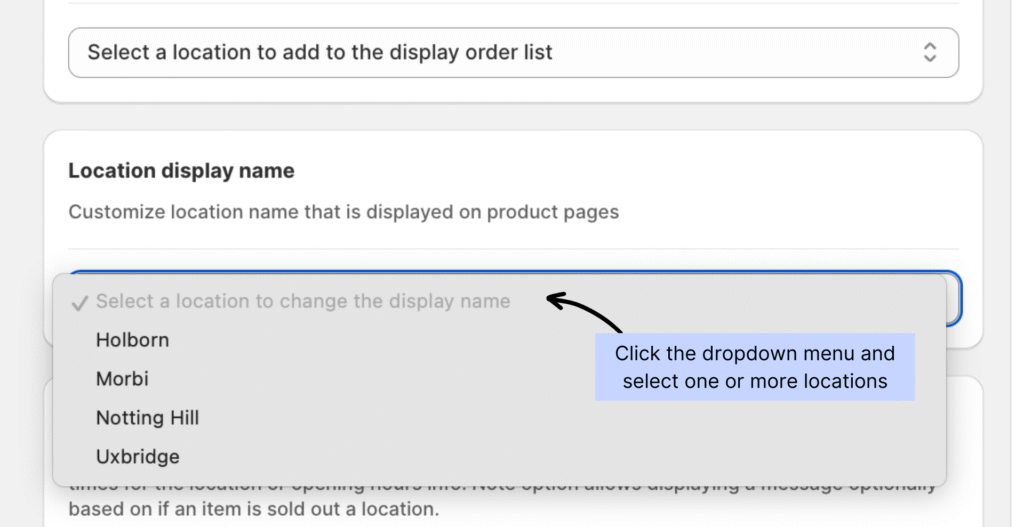
Step 2: Use the drop-down menu to pick the location to update the display name. You can do this for one or more store locations.
Update the name to what you want to show on the product pages.
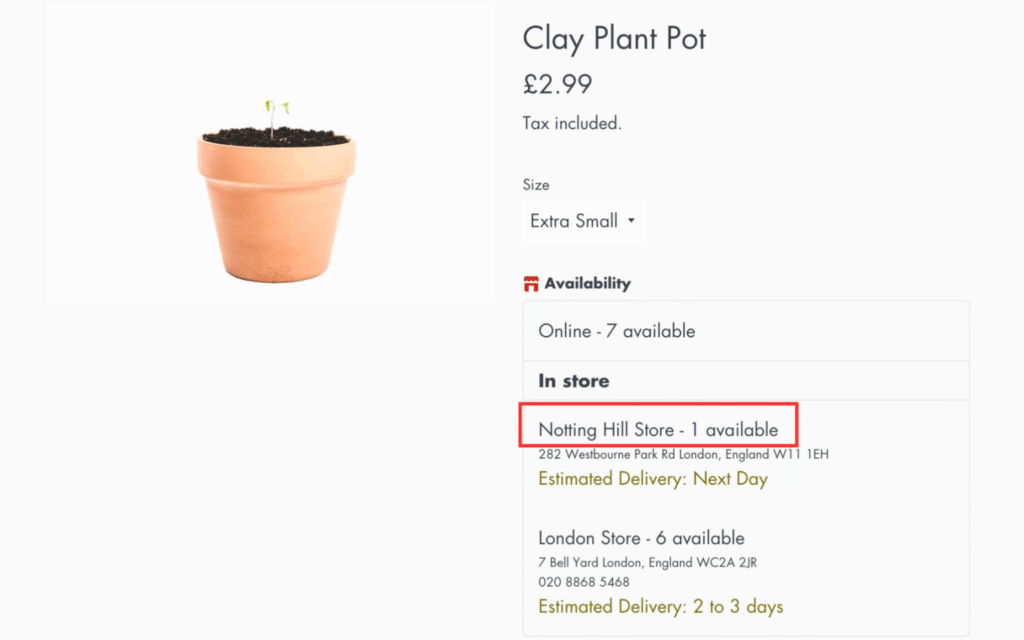
Storefront preview:
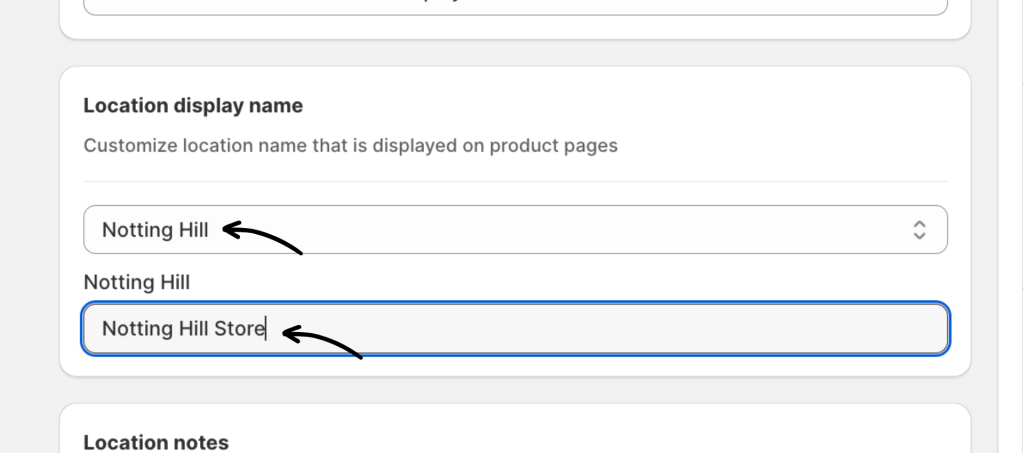
Don’t forget to click Save to update your settings.
The preview will appear as follows on the storefront:
If you encounter any issues, don’t hesitate to contact the support team for further assistance.