Manual and Scheduled Sync
Product metafields for the online store are synced with inventory updates using Shopify webhooks. While webhooks usually update metafields in near real-time, there can be occasional delays or missed events due to network problems or platform limitations.
To ensure data accuracy and consistency, use the manual sync option or activate scheduled syncing (available with the Pro plan and higher).
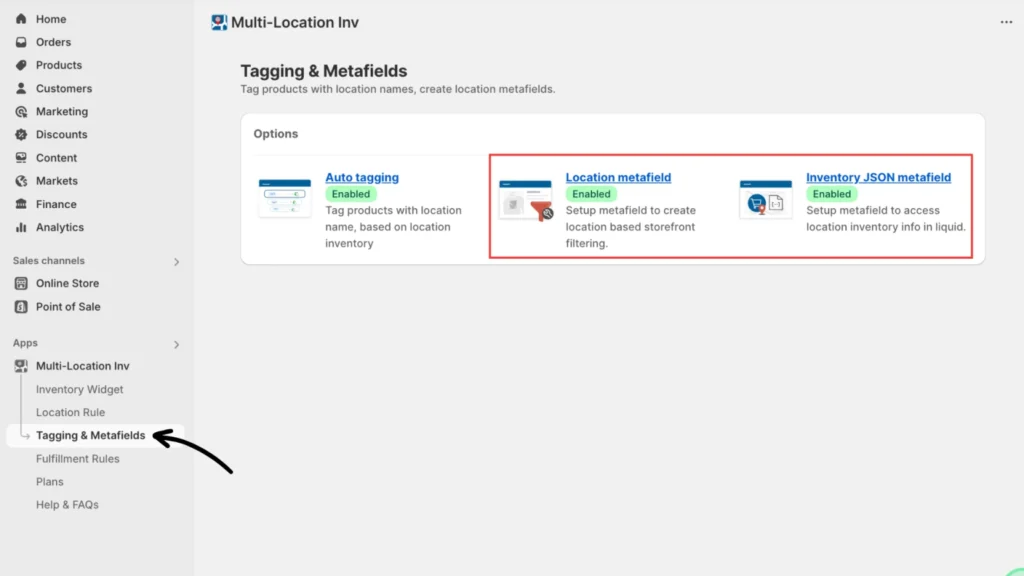
Step 1: Access the Location or Inventory JSON metafields setting
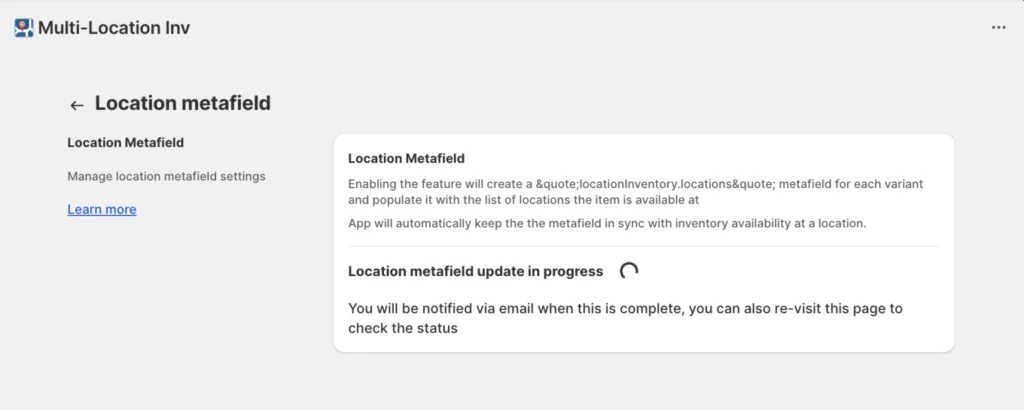
In the Multi-location Inventory Info app, navigate to Tagging & Metafields > Tagging & Metafields > Location metafield or Inventory JSON metafield.
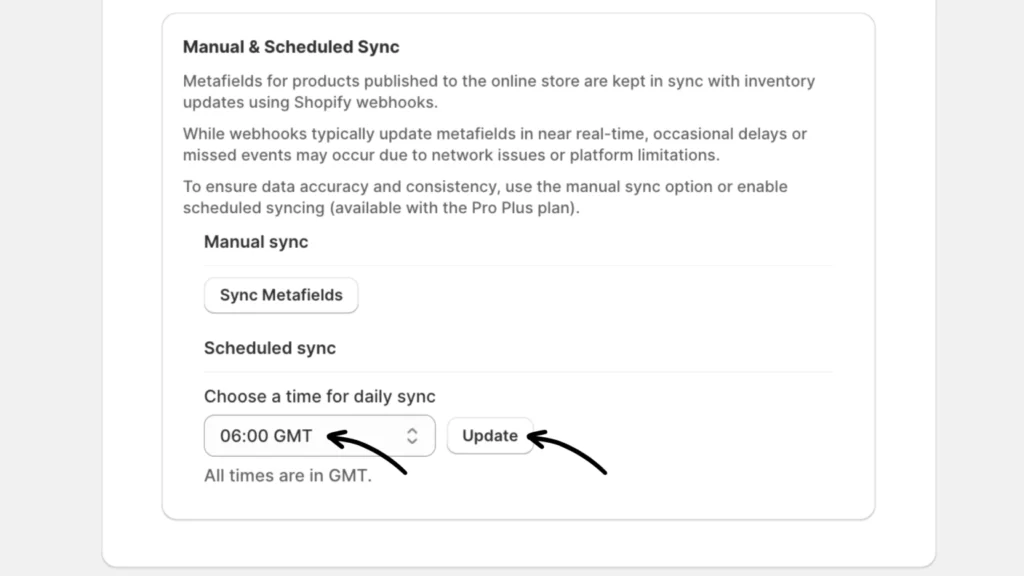
Step 2: Perform a manual or scheduled sync
To perform a manual sync, click the Sync Metafields button. This will initiate a sync action for the Location and JSON metafields and will complete soon.
To perform a scheduled sync, choose a time for daily sync in GMT from the drop-down menu just below the Manual sync. Click Update to complete the scheduling.
Note: This configuration only needs to be set once, as it applies to both Location and JSON metafields. For instance, if you have both settings enabled, setting the Location metafield to sync at 06:00 GMT will automatically sync the JSON metafields as well.